

Training with Prysm
Prysm’s courses support partners and customers in getting started with, configuring, and deploying AppVision™ and EsiVision™, from the fundamentals to advanced and specialized functions. The goal: give every team the skills needed to design, deploy, and develop its projects independently.

Results
Certification awarded from 75% correct answers on one of three attempts. In 2025: 74 certifications obtained out of 76 participants who took the certification exam. Data updated October 15, 2026.
Training offer
A progressive path, from the fundamentals to advanced functions, complemented by specialization courses.
3 days
AppVision Level 1
Acquire the fundamentals needed to configure and implement AppVision™.
3 days
AppVision Level 2
Develop advanced command of AppVision™.
1 day
AppVision AppControl
Deploy and configure access control functions.
1 day
AppVision Sensitive Sites
Configure AppVision™ for sensitive or high-security environments and projects.
1 day
AppVision Smart City
Configure AppVision™ for Smart City projects.
5 days
AppVision SDK
Dedicated to developing drivers and protocols with the AppVision™ SDK.
1 day
AppVision Refresher
Update knowledge, consolidate skills, and prepare the renewal of Level 1 certification.
Half day
M1 Client
Operator interface and alarm handling.
2 days
M1 Manager
Configuration and entry of the sites to monitor.
Half day
M1 Admin
Administration and settings.
Half day
EsiVision F1
Use and configuration of the F1 reception front end.
1 day
EsiVision V1
Use and configuration of the V1 video stream management system.
1 day
EsiVision AV1
Use and configuration of AV1 Manager and AV1 Client (Dashboard).
Half day
EsiVision D1
Alarm routing, prefixing, and transcoding.

Half day
M1 Web
Use and configuration of the M1 Web application.

2 days
Crystal Reports
Creation, scheduling, and maintenance of custom reports for M1.
Our teaching approach
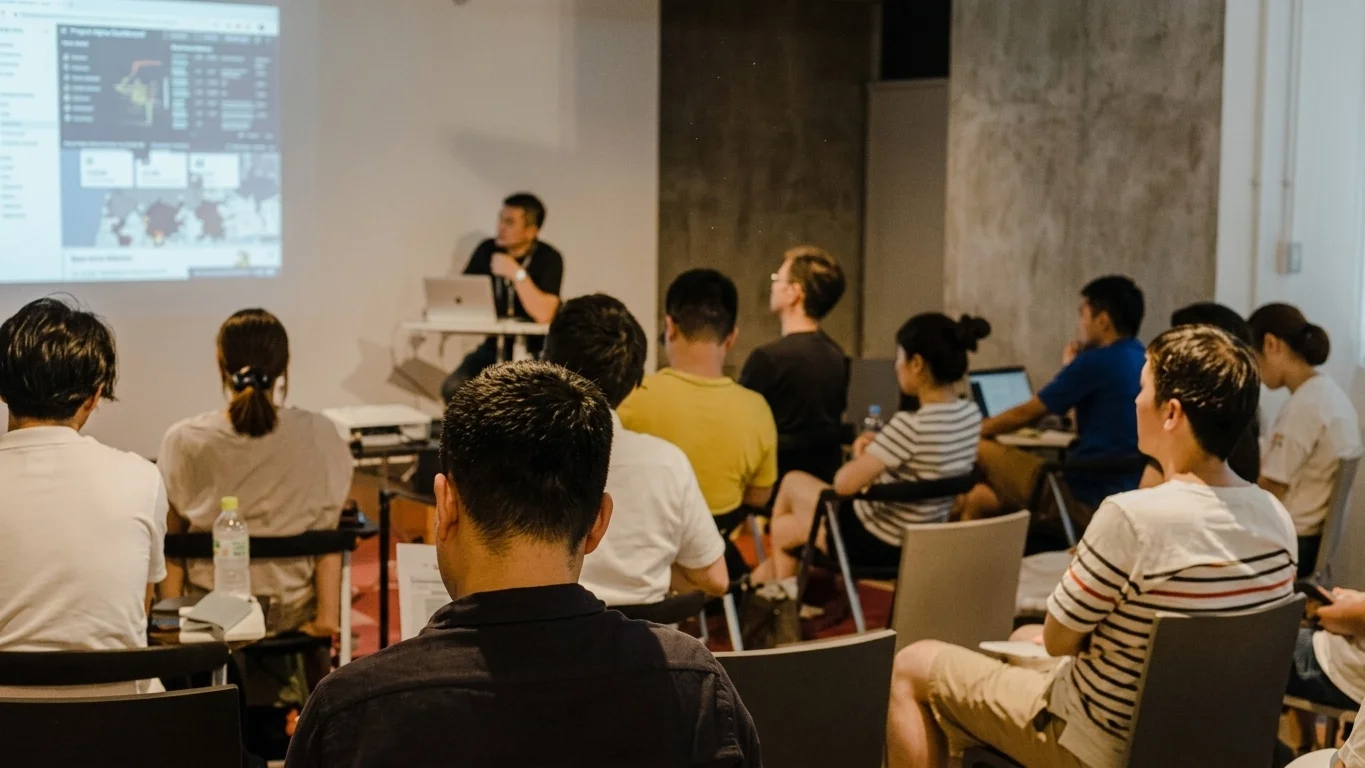
Practical information
Inter-company (AppVision)
Sessions held at Prysm’s premises in Sophia Antipolis or Aix-en-Provence, bringing together participants from different companies.
Intra-company
Sessions dedicated to a single company, held at Prysm’s premises or on the company’s own site.
Remote
Some courses can be delivered by videoconference once a first in-person course has been completed. Contact Prysm for this type of request.
Access time
Minimum 30 days after order, subject to availability.
Quotes & registration
Session dates & dedicated sessions
For the dates and terms of upcoming sessions, or to organize a dedicated session: commercial@prysm.fr
Inter-company calendar
Course
Dates
Location
Status
Accessibility
Trainers
AppVision™ technical trainer
Olivier Melgrani
Olivier is Prysm’s lead trainer. A passionate trainer for more than ten years, he also designs courses and has a passion for IT. He takes the time to explain a complex concept with a drawing on a whiteboard, and helps participants bring their interface and interconnection ideas to life with AppVision™.
SDK trainer
Clément Papazian
Clément has been a development engineer at Prysm Software for more than ten years and has contributed to the development of many AppVision™ drivers. He passes on to development teams the skills they need to develop protocols independently.
EsiVision™ trainer
Benjamin Rozier
Benjamin draws on his experience in software development, technical support, system monitoring, and training to help Prysm customers build the skills they need to use EsiVision™ effectively. His courses are tailored to each participant’s role and to the EsiVision modules they work with. Combining clear explanations, practical demonstrations, and hands-on exercises, he helps users build expertise, confidence, and autonomy in their day-to-day use of the solution.
Certifications
AppVision Level 1
AppVision Level 2
AppVision Sensitive Sites
AppVision Smart City
AppVision AppControl
Validity and renewal
AppVision certifications are valid for two years. A renewal exam can be taken on Prysm Academy before they expire. In case of failure, additional attempts can be offered and, if needed, a refresher course. For Level 1, the AppVision Refresher course updates knowledge before a new attempt.
Certification and access to support
AppVision Level 1 certification is the minimum level required to access Prysm technical support. Any request on a specialization also requires a valid certification in that field: Sensitive Sites, Smart City, or AppControl.